Add the RCLS Mobile Shortcut to Your Apple Device in Safari
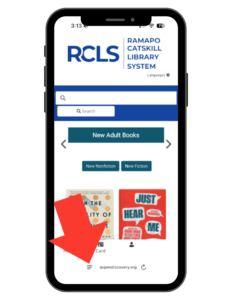
Open Safari and Navigate to the Library Catalog page
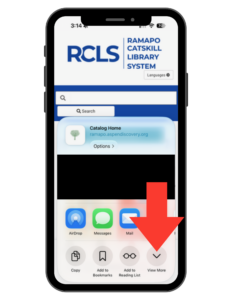
Tap the Share Button
(the square with the upward-pointing arrow). Depending on your Safari version, you may need to tap the Page Menu button first.
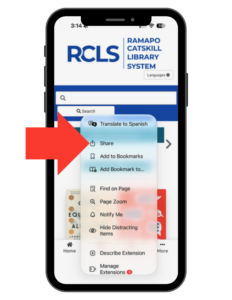
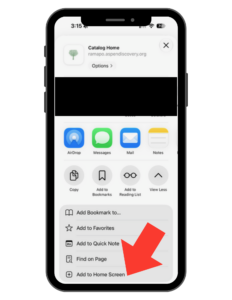
Scroll Through the Options and Select Add to Home Screen
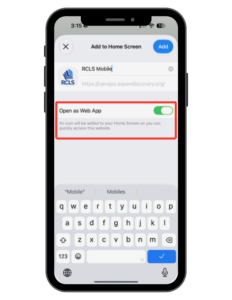
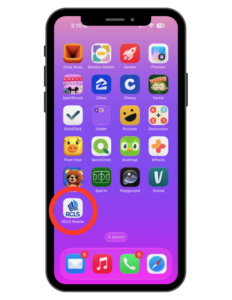
Tap Add to Finish